In this guide
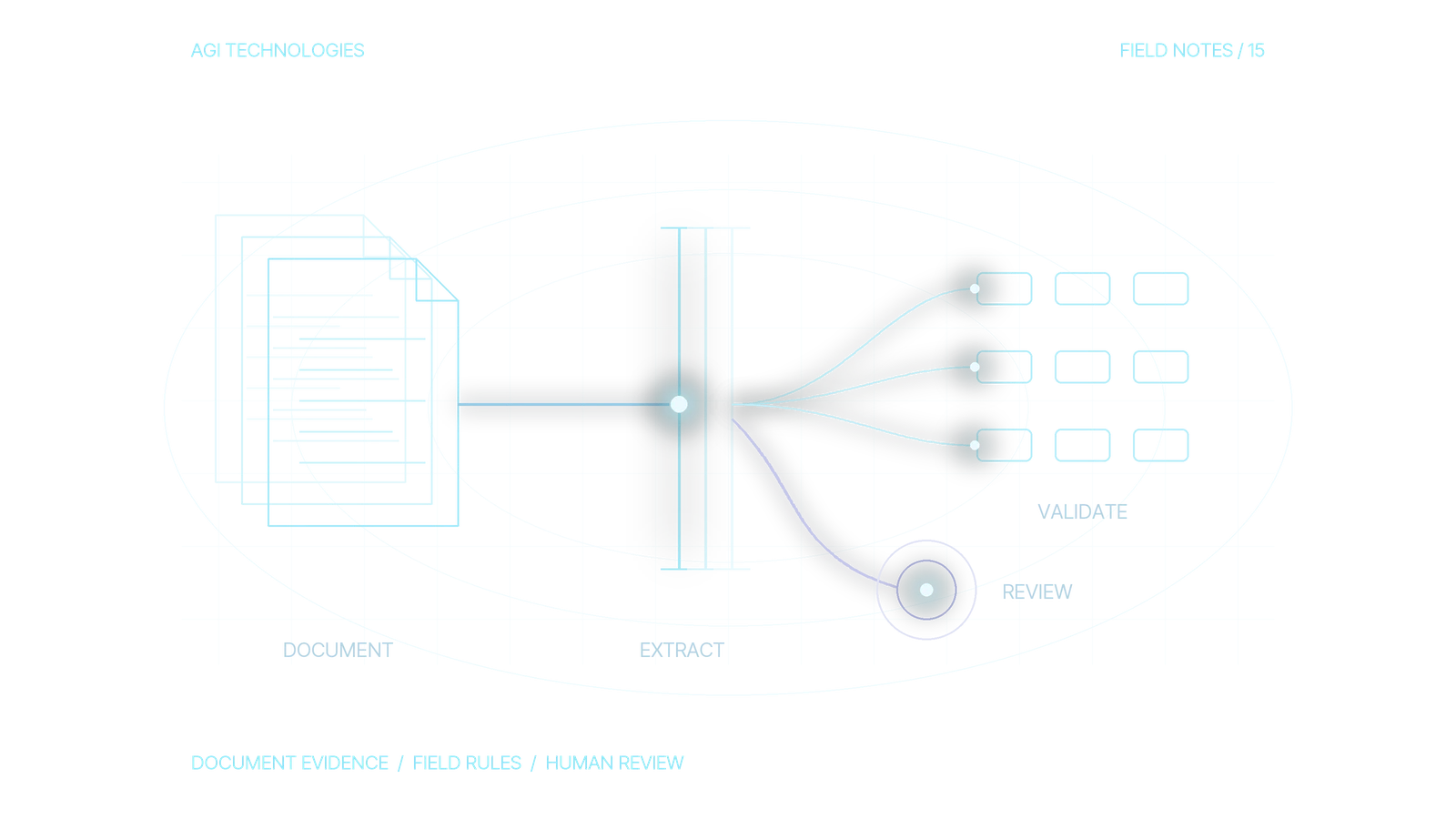
AI invoice processing works best as a controlled path from a received document to a verified accounts-payable draft. Read the invoice, preserve evidence for each important field, reconcile the amounts, match the supplier and purchase reference, then send exceptions to the right owner. Creating a draft, approving an expense and releasing a payment are separate decisions.
This practical guide is for finance operations leaders and technical teams building that path for a small or midsize business. It provides a field contract, a worked purchase-order discrepancy, duplicate-handling rules and a downloadable reference checker. Examples in this guide use fictional invoices and suppliers.

- Read the invoiceExtract the fields the draft needs.
- Keep the evidencePreserve the source for each important field.
- Reconcile amountsCheck the totals add up before anything else.
- Match supplier and POConfirm the supplier and purchase reference.
- Route exceptionsSend anything that fails to the right owner.
The workflow ends at a verified draft. Expense approval and payment release remain separate steps in your existing process.
Decide what the first version will actually deliver
“Automate accounts payable” is too broad for a useful acceptance test. A manageable first deliverable is one draft invoice in the existing accounting system, linked to its source and any unresolved discrepancy. Choose one legal entity, a defined set of document types and a named review team. Keep the existing approval process in charge.
List the work currently performed between receipt and a usable draft. Someone identifies the supplier, checks whether the invoice was already entered, reads totals, maps a purchase reference and asks about missing goods. Automating only transcription can shift that work to another person or step.
Choose the endpoint before choosing software. A searchable archive, a spreadsheet row and a validated accounting draft have different requirements. Our document-processing workflow guide covers the general OCR and validation architecture. Here, the focus is the invoice-specific decisions that determine whether the record can enter accounts payable.
On smaller screens, scroll to compare all columns.
| Included | Decision owner | Outside this intake path |
|---|---|---|
| Receive, preserve and classify invoices | Intake operator | Accepting every emailed attachment as trustworthy |
| Extract header fields and required line items | Configured extraction service plus reviewer | Guessing missing amounts or supplier identities |
| Check consistency and available purchasing evidence | Application rules and finance owner | Inventing purchase orders or goods receipts |
| Create a reviewable accounting draft | Restricted integration identity | Changing supplier bank details or releasing payment |
Should you use OCR or AI to extract invoice data?
First check whether a structured invoice is already available through an approved supplier channel. Parsing a documented structured format can avoid OCR, but it does not remove supplier, duplication or business checks. A PDF preview is not necessarily the best data source.
For PDF invoices, compare a suitable pretrained invoice extractor with the fields and document mix you need. Microsoft’s invoice model extracts invoice data, including line-item information, into structured output. Check its current supported fields, languages, file requirements and deployment constraints before selecting it.
Amazon Textract expense analysis distinguishes summary fields from line-item groups and returns field evidence such as page information and geometry. Treat a provider’s returned field as a candidate value. Supplier approval and whether the expense belongs to your company still need separate checks.
A custom model or bounded language-model step may help with variable layouts or unusual descriptions. Use it only for a defined gap after testing an existing extractor. Ask for source-backed fields and an explicit missing value. Do not give the model authority to choose an accounting treatment, approve a supplier or silently repair a total.
Review data handling, processing region, retention, access and document sensitivity with the system owner before uploading real invoices. Service options differ by version and deployment. This guide does not certify a provider or workflow for a particular regulatory obligation.
Build a field contract that preserves the original evidence
Keep three layers: the received file, the provider’s raw output and the normalized accounting candidate. This lets a reviewer distinguish a reading error from a mapping error. When someone corrects a field, keep the original value and store the correction separately.
Money should use explicit decimal strings or the destination’s agreed precise representation. Record the currency separately. A string such as “1.250” cannot be normalized safely without a known locale and document context. Keep invoice numbers as strings: leading zeros, separators and prefixes can be meaningful.
On smaller screens, scroll to compare all columns.
| Group | Fields to record | Why the distinction matters |
|---|---|---|
| Source identity | Intake ID, file hash, source version, received time, page count | Recognize an exact replay without treating a changed invoice as the same file |
| Business identity | Legal entity, approved supplier ID, raw invoice number, document type | The same invoice reference can exist for different suppliers or entities |
| Financial values | Currency, net, tax, freight, discount, gross; required line items | Reconcile amounts under an explicit invoice convention |
| Purchasing evidence | PO ID, PO line mapping, selected receipt reference and unbilled received quantity | Separate what was ordered, received and invoiced |
| Where each value came from | Raw text, normalized value, source page/region, provider score if returned | Inspect the reason for a value; a score is not a business approval |
| Workflow state | Check results, reasons, reviewer, decision version, destination receipt | Know whether an item is extracted, held, drafted or confirmed |
A supplier name is not an approved supplier ID. Match the extracted claim against an authorized master record, using the identifiers your business accepts. A plausible name match with multiple candidates is a review case. Bank details appearing on the invoice must not update that master through the intake integration.
Reconcile the invoice before comparing it with purchasing records
Start with internal arithmetic. Under one common, explicitly chosen convention, net plus tax plus freight minus discount equals gross. Your actual documents may include tax-inclusive pricing, withholding, deposits, credit notes or several tax rates. Configure those separately with the finance owner. Do not force them through a rule designed for ordinary positive invoices.
Keep an agreed rounding tolerance and its unit. Treat a one-cent arithmetic tolerance as an example value and set the tolerance for each currency and accounting process. A small difference can be legitimate rounding, an extraction error or an omitted charge. Record the reason and leave the extracted value unchanged.
Then match external evidence. Microsoft’s accounts-payable matching documentation distinguishes invoice totals, two-way price checks and three-way checks that also compare received quantities. The implementation and tolerances belong to the accounting system and legal-entity policy. An AI extractor should supply evidence to those controls and leave the matching decision with them.
Worked example: correct extraction, wrong readiness decision
A fictional supplier invoice has two lines: 10 units at EUR 40 and four units at EUR 25. The net amount is EUR 500. With EUR 100 tax, EUR 15 freight and EUR 5 discount under this example’s convention, gross is EUR 610. The arithmetic reconciles.
The purchase order supports the same unit prices. However, the receipt record shows only eight of the 10 units on the first line available for this invoice, after prior billing. The second line is fully received. The correct result is a receipt-quantity hold on the first line, even if every extracted field is right and confidence is high.
Route that discrepancy to the receiving or purchasing owner. They may confirm an incomplete receipt entry, a partial delivery or a supplier mistake. Their decision changes the process state; the extractor does not manufacture the two missing units. A non-PO invoice needs its own approval route; never invent a PO match for it.
How do you catch duplicate invoices?
An identical attachment delivered twice is a file replay. A scan of the same invoice is a different file but may represent the same business obligation. A corrected invoice can share a reference with the earlier version while changing its contents. These cases need different decisions.
On smaller screens, scroll to compare all columns.
| Observation | Proposed action | Evidence to retain |
|---|---|---|
| Identical file hash already has a confirmed destination receipt | Return the existing receipt | Original intake and destination record ID |
| Different file; same entity, supplier, document type and invoice reference | Hold for business-duplicate or revision review | Both file versions and compared material fields |
| Reference differs only by case or punctuation | Use a secondary candidate check, then review ambiguous matches | Raw reference plus the normalization rule used |
| Same reference under a different approved supplier | Assess independently under its business identity | Distinct supplier IDs (names alone are insufficient) |
| Request timed out after a draft write | Reconcile the destination before attempting another create | Stable external key and authoritative destination lookup |
Do not remove all punctuation from invoice numbers as a universal identity rule. Two legitimately distinct references may collapse. Preserve raw values and use normalized candidates to support a decision. A duplicate check and the subsequent create must also address concurrency: two workers can both see “not found.” Use destination uniqueness, a write that is safe to run twice (idempotency) or an appropriately serialized write path where supported. A pre-write search alone does not solve that race.
Make the exception queue a usable work product
A queue labeled “AI low confidence” is insufficient. Give each item a reason, the disputed field, the original page and the person or team who can resolve it. Different problems require different owners: an unreadable scan goes back to intake; unknown supplier identity to the master-data owner; missing receipt to purchasing or receiving; an amount discrepancy to finance.
Show the source next to the candidate, with clear accept, correct, reject and request-information options. Preserve the first extraction and later corrections separately. A corrected field should trigger the affected checks again. If gross changes, repeat arithmetic; if supplier identity changes, repeat duplicate and PO checks.
Replace a single “processed” flag with several states: received, extracted, review required, draft eligible, write outcome unknown and destination confirmed. A draft-eligible record without a destination receipt has not completed the workflow. Keep elapsed queue age and active review time separate so an idle queue does not look like a slow model.
Test the decision rules before connecting the accounting system
The invoice decision reference pack (ZIP) contains editable test cases, a field dictionary, a small Python checker, expected outputs and instructions. The checker uses precise decimal arithmetic and returns eligibility or reason codes. It does not read PDFs, verify supplier truth, connect to a provider or create accounting records.
Its cases include a reconciled invoice, a wrong gross amount, an unresolved supplier, a repeated file, a changed business duplicate, a PO price discrepancy, an unreceived quantity, a missing evidence reference, a currency mismatch and a credit note outside the supported scope. These are executable examples of rule behavior; they say nothing about extraction accuracy.
Run the checker locally with Python, inspect the expected reasons, then change an input. For example, correcting receipt quantity should remove that specific hold and leave payment approval unchanged. Adapt the contract and test cases before using any rule with real records. The reference pack deliberately covers a narrow convention; do not use it as a production AP engine.
Next run a shadow pilot on an authorized, independently labeled document set. Keep it separate from training and configuration examples. Review every proposed pass during the pilot, including the records the rules would otherwise accept. This is how you find confidently wrong fields and incorrect eligibility decisions.
Measure accepted work
Count distinct in-scope invoice versions and make exclusions visible. Report material field correctness, proposed false acceptance, exception share, active review effort and confirmed destination drafts. Count a successful extraction request, a correct invoice and a completed accounting draft as three separate outcomes.
Consider a batch of 120 invoice versions. If 75 appear eligible, 45 are held, and inspection finds two materially wrong records among the 75, the proposed unattended path has 2 / 75, approximately 2.7% false acceptance. It is not 2 / 120. If three of the corrected eligible records still lack destination confirmation, they remain unresolved at cutoff. None of these numbers is a vendor benchmark or a safe error target.
Calculate operating cost per confirmed usable draft, including extraction attempts, reruns, review, recovery and maintenance. State whether setup costs are included. Compare the same document mix and accepted-output definition with the current process. A low per-page fee says little about an expensive exception queue. The AI automation ROI guide carries these figures into a pilot business case with a stop rule.
Before expanding scope, the finance owner should accept the observed error pattern, review burden and unresolved-write behavior. Recheck after changes to the extractor, supplier population, document layouts or accounting mapping. Keep unsupported document types visibly outside the approved path.
Prepare a precise implementation brief
Bring the included invoice types, authorized samples, required fields, current accounting destination, purchasing evidence and review owners. Write down which actions the integration may perform and how a failed or uncertain write is reconciled. The project deliverables reference provides a starting brief and acceptance structure.
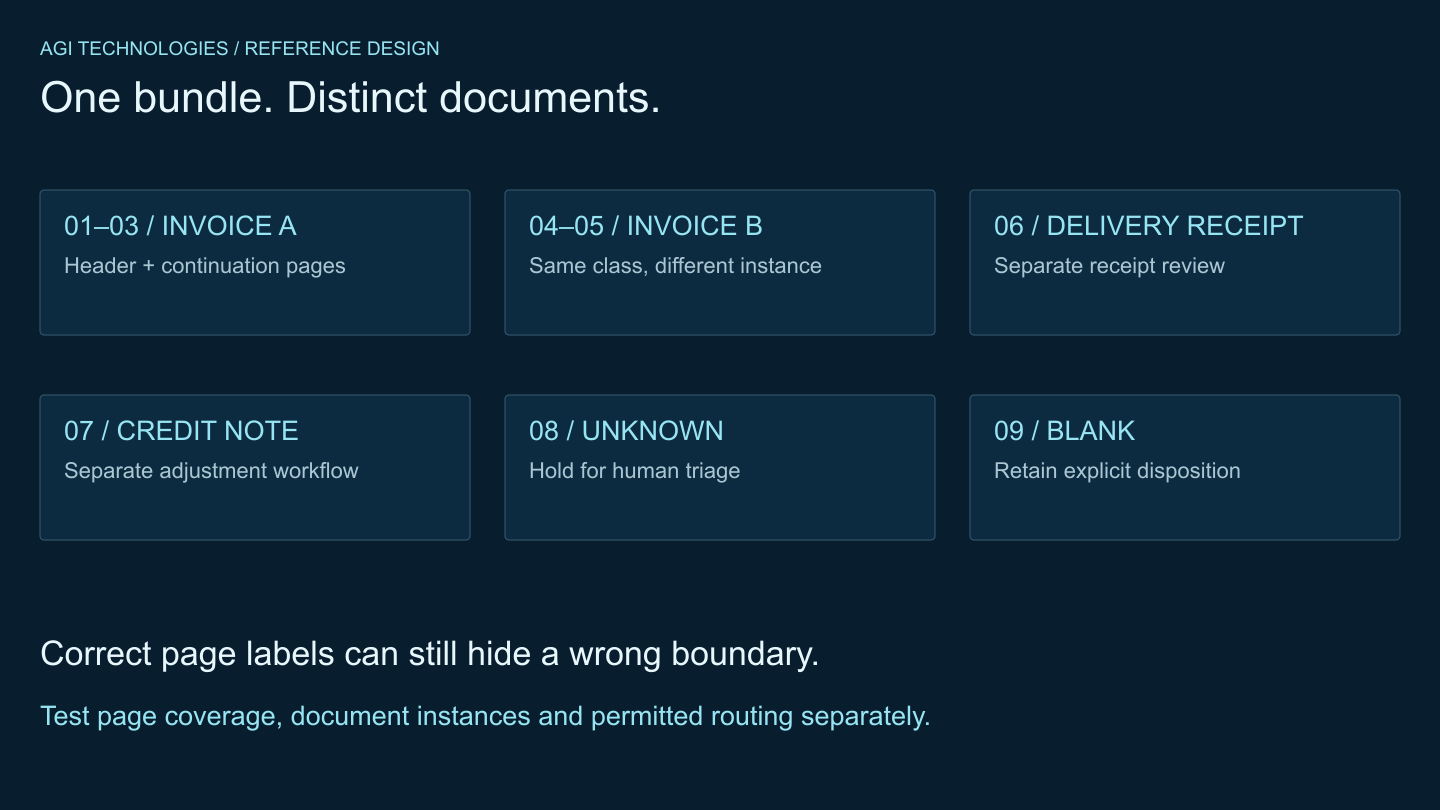
For mixed attachments, first use the document classification and PDF-splitting guide. A wrong document boundary can invalidate an otherwise careful invoice extraction. AGI Technologies’ document and image processing service can scope intake, extraction, review and destination handoff as connected parts of the same business workflow. Request a quote with that bounded brief.
Sources: the product and matching documentation linked above, as of 13 October 2026.
Reviewed by Andrii Gorbenko, founder of AGI Technologies