In this guide
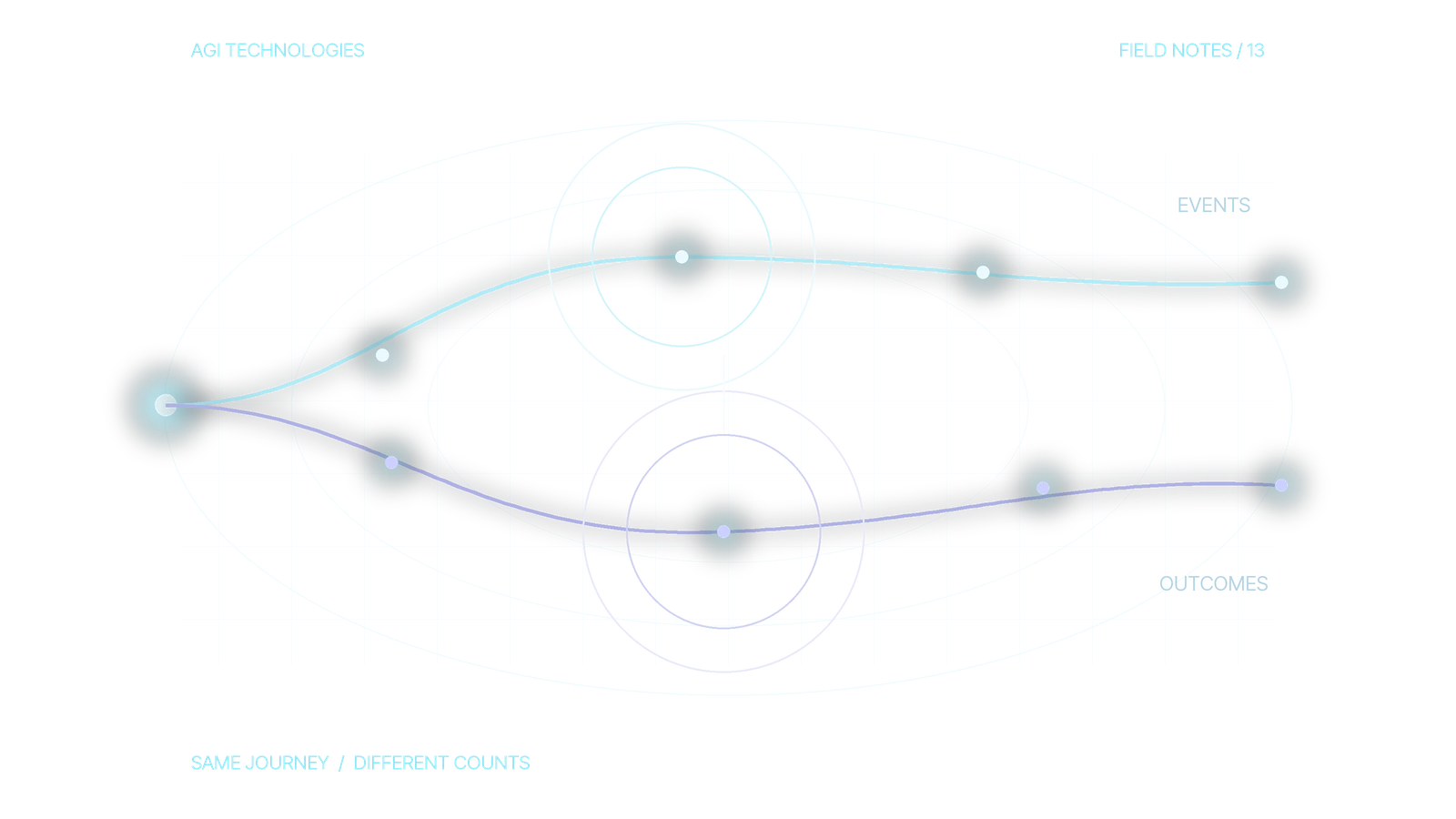
GA4 and HubSpot attribution numbers answer different questions. GA4 measures website and app activity across users, sessions and events. HubSpot attribution assigns credit to interactions recorded around a contact, deal or revenue milestone. If one report counts key events and another counts contacts, expect the totals to differ. First check whether the reports use the same conversion, time window, traffic definition and identifiable population.
Check before comparing the numbers
- Same conversion
- Same time window
- Same traffic definition
- Same identifiable population
Which questions should GA4 and HubSpot each answer?
Use GA4 to examine acquisition and on-site behavior: which sessions reached a page, which events fired, and which sources were associated with a selected key event. Google distinguishes first-user, session and event-scoped traffic-source dimensions. They can show different sources for the same person’s journey because each scope answers a different question.
Use HubSpot to examine CRM outcomes: which tracked interactions are associated with a contact being created, a deal being created, or revenue from a closed-won deal. HubSpot defines separate attribution report types for those milestones. Deal-create and revenue attribution require Marketing Hub Enterprise. Check the report types and models available in your account before specifying the audit. Neither system automatically proves that a channel caused a sale.
On smaller screens, scroll to compare all columns.
| Question | Start in GA4 | Start in HubSpot |
|---|---|---|
| Which channel brought a visit? | Session source and medium, sessions and landing pages | Traffic analytics sessions, where available; keep contact-source reports separate |
| Did a website action occur? | Named event or key event, with its firing rule | Form submission or other recorded CRM interaction |
| Did a lead become a sales opportunity? | Not reliably determined from a web event alone | Contact and deal records, their association and stage history |
| Which touchpoints receive credit? | Selected attribution model for event-scoped dimensions | Selected contact, deal or revenue report and model |
HubSpot also has web traffic analytics with session metrics on supported plans. Do not label every HubSpot chart as attribution. When comparing visits, start with sessions in both systems and inspect their session definitions, filters and tracking coverage.
Why do GA4 and HubSpot traffic sources differ?
Before comparing channel totals, check the actual HubSpot property or report in the chart:
- Original Traffic Source: the first known web source for the contact.
- Latest Traffic Source: the most recent known web source. It can change as the contact returns.
- Record Source: how the CRM record was created, such as an import or integration. It is not the marketing channel that influenced the person.
- Attribution report: credit allocated to recorded interactions around a selected milestone, using a selected model. It measures something different from a count of contacts grouped by a source property.
HubSpot explains traffic source properties and record creation sources separately. Check property history as well: traffic source values can be edited manually. A chart based on those fields may reflect manual edits as well as the original journey.
A worked reconciliation: two sessions, one contact, a later deal
This worksheet uses a fictional journey. A person visits from Google organic search on 1 October, returns through a tagged marketing email on 5 October and submits a demo form once. A new contact is created that day; a deal is created and associated on 12 October. Assume the same browser is recognized, the permitted tags capture both visits, the form event fires once on success and both systems capture the relevant activity.
Use 1 to 7 October 2026 for both reports, with Europe/Berlin as the reporting time zone. The first week should not include the deal created on 12 October. Record each system’s actual configuration; matching date labels alone do not prove that the boundaries match.
On smaller screens, scroll to compare all columns.
| Comparison and exact unit | Expected observation | Explanation and next check |
|---|---|---|
| GA4 Traffic acquisition: Sessions by Session source / medium. HubSpot: count of new contacts by Create date. | GA4: 2 sessions, one google / organic and one email-tagged session. HubSpot: 1 new contact. | Explained unit difference. Analytics owner checks session coverage; CRM owner checks contact creation and duplicates. Do not subtract contacts from sessions to calculate missing leads. |
| GA4 Event count filtered to the chosen successful demo event. HubSpot: submission activity for that exact demo form. | 1 event and 1 submission under these assumptions. Name the actual event and form ID in a real audit. | A useful collection check. Matching counts do not prove equal attribution. If the GA4 count is 2, inspect duplicate firing or the trigger before changing the attribution model. If the CRM count is 0, inspect the form handoff and identity. |
| GA4 demo event in the first week. HubSpot: deals created, filtered by Create date and the associated contact. | 1 demo event; 0 deals in 1 to 7 October. The deal appears in a 1 to 14 October CRM period. | Explained milestone lag. Sales operations checks creation time and association. A deal count report does not require or substitute for an Enterprise deal-attribution report. |
The worksheet deliberately leaves channel credit uncalculated. GA4 first-user source describes initial acquisition; session source describes the visit; event-scoped source credit follows the property’s selected attribution model. Changing that model does not change first-user or session-scoped source dimensions. HubSpot credit also depends on the selected report and model. The journey alone does not justify assigning a percentage of revenue to either channel.
How do you reconcile GA4 and HubSpot numbers?
- Fix the unit of analysis. Write down whether each number is a user, session, event, form submission, contact or deal. Name the exact conversion in both systems. A GA4 event called
form_submitand a HubSpot contact created by a manual import are different populations. - Match the period and time zone. Record date boundaries, reporting time zones and each report’s lookback window. Align what can be aligned and document the remaining differences. Check whether the CRM milestone happened days after the website event.
- Inspect one test journey end to end. Use a clearly labeled test record. Capture the landing URL and UTMs, verify the GA4 event in its debugging tools, submit the form, then inspect the CRM contact, source and association. Do not use a real prospect’s personal data for a public test.
- Check tag and consent behavior. Verify that the relevant tags fire under the consent choices actually offered on the site. Google consent mode changes tag behavior according to consent state; basic mode blocks Google tags when consent is not granted, while advanced mode can send measurements without cookies when consent is denied. Do not treat missing consent as equivalent to an explicit denial or assume HubSpot has the same coverage. GA4 behavioral modeling has separate eligibility requirements; denied consent does not guarantee modeled data. This is a measurement check. Respect each user’s consent choice.
- Inspect campaign labels. Standardize UTM source, medium and campaign values. Test redirects, cross-domain journeys and links that strip parameters. Compare a campaign’s landing sessions with form events before looking at the CRM.
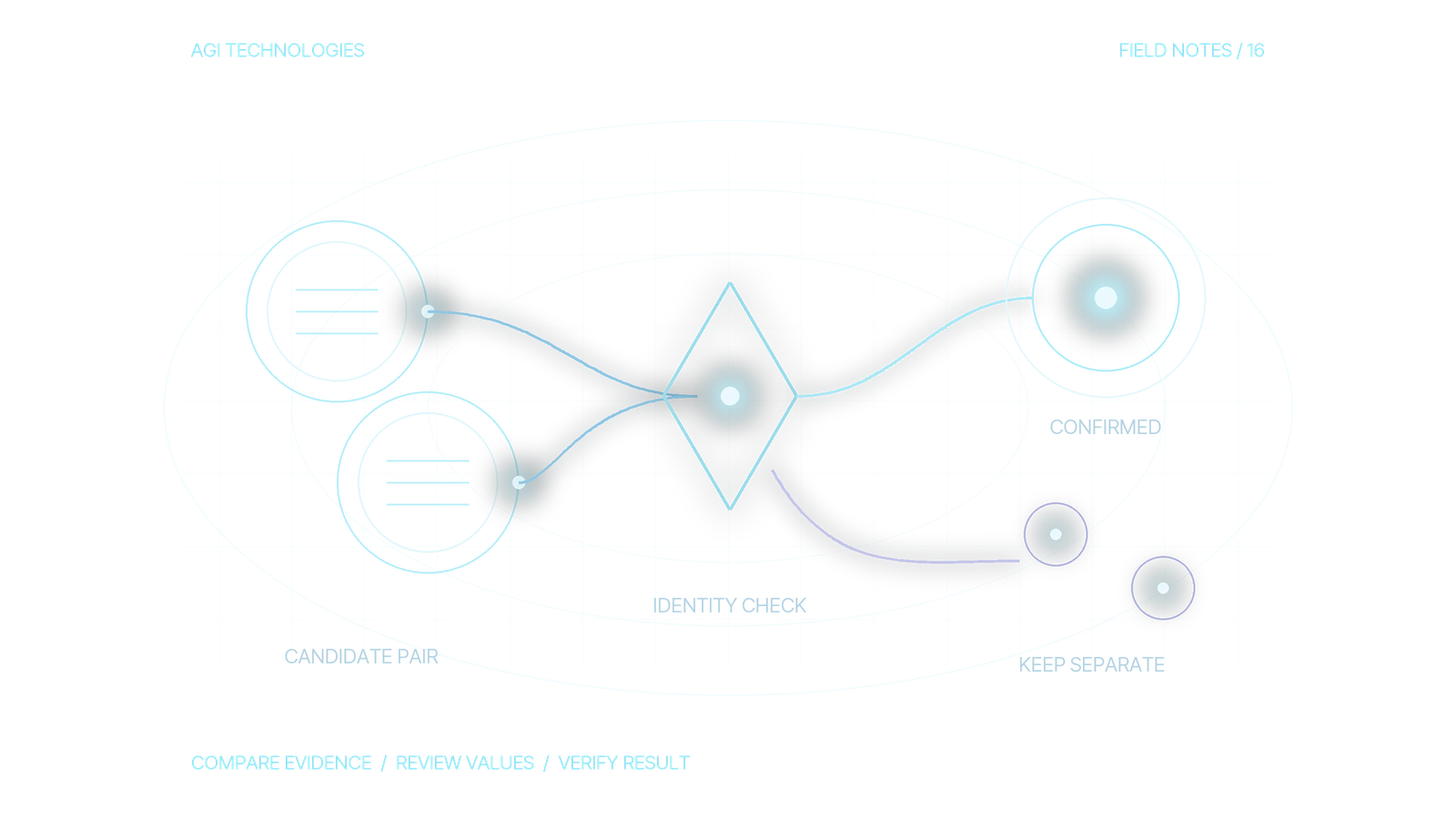
- Check identity and associations. Confirm the form identifies the intended contact, duplicate records have not split activity, and the deal is associated with the right contact. A web visit that cannot be connected to a CRM record will not become a reliable deal-attribution touchpoint.
- Compare eligible report types. If the question concerns opportunity creation, compare against a HubSpot deal report where available. Note the selected attribution model in both products.
Keep one measurement contract
For each important conversion, keep a short specification with the event name, trigger, consent condition, CRM destination, deduplication rule, owner and business question. Test the contract after form, tag, cookie-banner or CRM workflow changes.
Report website demand and CRM progress side by side. A useful monthly view might show organic sessions, qualified form submissions, accepted sales inquiries and deals created, with each metric’s definition. Do not combine them into one invented conversion rate when identity coverage or reporting windows differ. If the initial task is to repair the data path, the MarTech infrastructure service covers measurement design and system handoffs. For broader CRM process work, see HubSpot development and RevOps.
Close the audit with an explanation or a repair
Record the exact metrics, period, identity coverage and remaining unexplained records. An explained difference can stay. A missing event, duplicate trigger or wrong association needs repair before attribution is used to shift budget.
For a measurement and CRM handoff review, bring the two report definitions, one anonymized example journey and the decision the reports need to support. That gives the review a concrete scope before anyone rebuilds a dashboard.
Reviewed by Andrii Gorbenko, founder of AGI Technologies