In this guide
A HubSpot lead routing audit should explain, for a specific record, which rule should have acted, what HubSpot actually did, who owns the record now, and what follow-up exists. Start with a small sample of misroutes and reconstruct that chain before changing workflows. This guide focuses on diagnosing a live routing system; the separate routing lab is for checking a proposed policy with synthetic records.
View the five-stage audit map
Separate a routing audit from a routing build
A build starts with a desired policy and turns it into workflow branches, assignment actions and exception handling. An audit starts with actual records and asks where reality diverged from the policy. Mixing these jobs leads teams to rewrite workflows before they know whether the cause was missing intake data, an unexpected record match, rule precedence, an unavailable owner, or a downstream follow-up step. When routing is one of several worries, start with a full HubSpot portal audit.
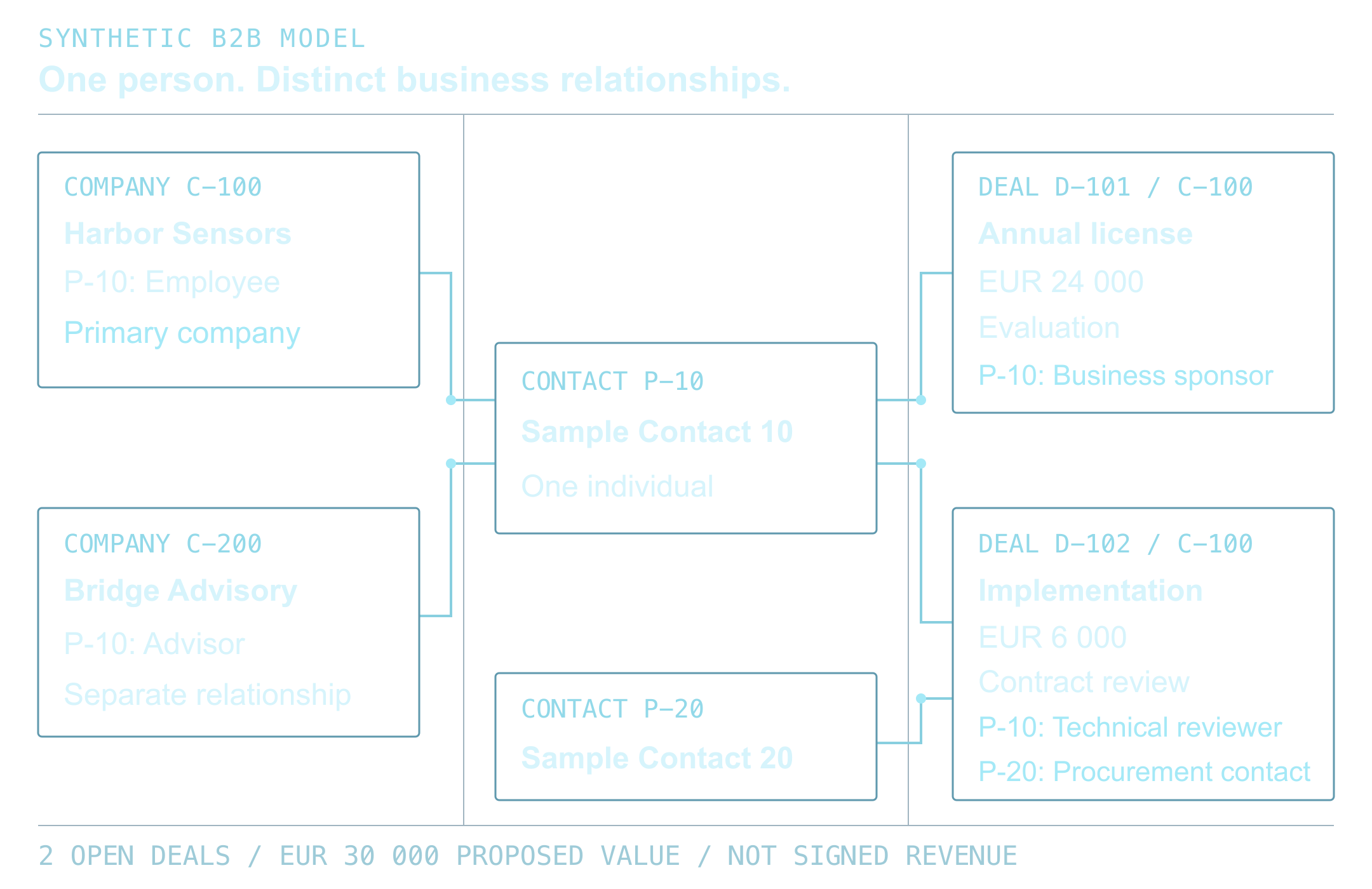
The useful unit of investigation is one record journey. Capture its source event, record identifiers, relevant property values and history, workflow enrollment and action outcomes, owner before and after, associated company or account, and first human action. If a record has multiple contacts, leads, companies or opportunities, identify which object the routing rule was meant to assign. Similar-looking owner fields do not necessarily describe the same object or process.
The output is an evidence-backed discrepancy and a proposed correction. The correction is proven only after a controlled test and post-change record inspection pass. Keep the audit read-only until the expected behavior and change owner are agreed.
Choose a sample that can reveal different failure modes
Do not sample only the most recent successful inbound form. Build a compact case list from records people reported, unassigned or overdue views, owner changes, workflow error history and channel volumes. Include both a record believed to be wrong and an ordinary record that should route correctly. This prevents the audit from defining success only by the cases that already look suspicious.
For each candidate, record the HubSpot object type, record ID, original source, received time, current owner, previous owner if available, associated company ID, lifecycle or lead status, territory and eligibility fields, enrollment state, last assignment action, and next activity. Minimize copied personal data. Use IDs and field names in the working sheet and limit access to the audit team.
A useful initial slice spans more than one entry channel and includes existing ownership, incomplete routing fields and at least one exception. If reports are available, compare routed records with the eligible intake population by source and time window. A list of assigned records alone cannot show which eligible records never entered it.
- Net-new record with complete fit and territory data.
- Existing customer or named account with a relationship owner.
- Repeat submission or duplicate identity that could create parallel records.
- Missing territory, conflicting criteria or no eligible assignee.
- Record assigned correctly but lacking the expected task or first action.
Reconstruct the intended decision before reading the workflow
Write the routing policy in plain language before inspecting individual branches. Define who is eligible, which existing relationships must be protected, the order of territory or product rules, how owner availability is determined, what happens when no rule matches, and which event starts the response clock. Name one decision owner for conflicts. If two teams describe different policies, record the disagreement for the decision owner to resolve.
Make precedence explicit. For example: exclude ineligible or suppressed records; resolve identity and company association; preserve a valid customer or named-account owner; select exactly one territory; confirm the target owner is eligible; then assign or hold with a reason. The example is a review pattern. Your business may need a different order, but every input should lead to one final outcome: assign, preserve, hold, or exclude.
This written policy lets you compare the workflow's actual enrollment conditions and action order against an agreed expectation. It also exposes gaps a workflow diagram can hide, such as two automations that both believe they own the same owner property.
Trace each record from intake to final owner
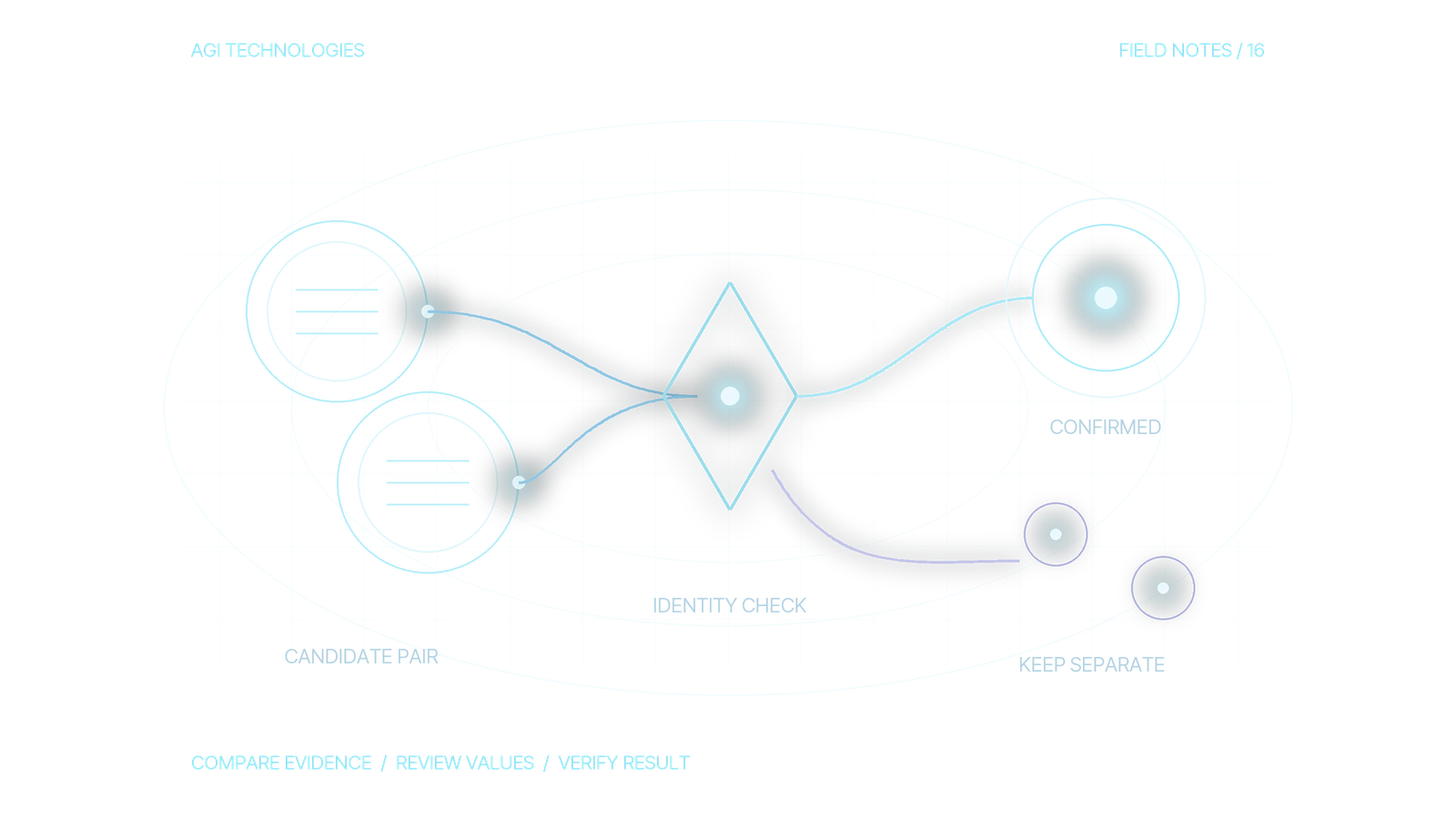
Follow the record chronologically. Confirm that the source event created or updated the intended object and preserved the fields needed for routing. Resolve identity and company association next. A wrong or absent company match can make a correct territory branch appear incorrect, while creating a second record can split ownership and activity history. Do not assume a matching email or domain has the same meaning across every integration path.
Then inspect the relevant workflow's enrollment history and action results. Was the record eligible to enroll? Did re-enrollment apply? Which branch ran? Did the assignment action skip, fail or set an owner? Was a later workflow, import, sync or manual edit able to change the same owner field? Use property history and the timestamps of workflow and integration events to find the earliest point where the expected and observed paths diverge.
Finish by checking the destination record itself and its next action. Look past a successful workflow status: confirm the correct object has the expected owner, association, stage or lead status, task, notification or queue entry. If another system can write ownership back, compare both systems' timestamps and change sources.
- Capture event and record IDs, object types and timestamps.
- Record the exact values used by each eligibility and territory condition.
- Name the workflow, branch and assignment action that made the decision.
- Check later owner writes, sync conflicts and human edits.
- Verify the final record and follow-up action in the CRM.
Why do HubSpot leads get the wrong owner?
Classify each case by the earliest broken step. An unassigned record can be caused by an intake field that never arrived, a record that never enrolled, an invalid or ineligible owner, conflicting branches, or an exception path nobody monitors. Reassigning it may repair the current owner while leaving the cause untouched.
A practical audit log separates expected input, actual input, expected decision, actual decision, final state, evidence source and fix owner. One row per sampled record makes repeated patterns visible. If the evidence is missing, label it unknown. Do not infer that a workflow did not run only because its current version looks as if it should have run.
- Intake gap: required source, fit, territory or consent-related state is absent or stale.
- Identity gap: duplicate, wrong object, missing association or unresolved company match.
- Enrollment gap: trigger, suppression, re-enrollment or timing excludes the record.
- Decision gap: overlapping branches, wrong precedence, owner pool or overwrite choice.
- Execution gap: action unavailable, permission or seat constraint, inactive owner, or product-specific behavior.
- Handoff gap: owner is set but task, notification, response clock or queue monitoring is missing.
- Governance gap: undocumented manual edits, imports or integrations can write the same field.
Worked example: a correct owner gets overwritten
Examples in this guide use fictional records, owners, workflows and times. Contact 9001 is associated with company 7001, an existing customer. The approved policy preserves relationship owner A.
On smaller screens, scroll to compare the event and its evidence.
| Time and event | Expected versus example state | Evidence needed in a real audit |
|---|---|---|
| 09:00 / intake | Contact 9001 is linked to company 7001. Current contact owner A agrees with the customer-owner policy. | Source event, contact ID, company association and approved policy version. |
| 09:01 / workflow A | Owner A is preserved. The required follow-up task is assigned to A. | Workflow action history, contact owner history and the task’s assigned user. |
| 09:03 / workflow B | A general territory route changes the same contact owner to B. This conflicts with the customer-owner rule. | Owner property history showing the A-to-B write and the workflow action responsible. A current branch screenshot alone is insufficient. |
| 09:05 / inspection | Contact owner is B; the task remains with A. The split is a later symptom of the overwrite. | Final contact and task records, plus any later sync or manual changes. |
Diagnosis: the first discrepancy is the 09:03 write by workflow B. Intake, company matching and the first assignment are consistent with the stated policy in this example. Classify the issue as a competing owner writer and incorrect overwrite precedence.
Proposed correction: constrain workflow B for customer-owned contacts according to the approved precedence. Then test an existing customer whose owner must remain A, a net-new eligible contact that should receive a territory owner, and a conflicting-owner case that must follow the documented exception rule. Recheck both ownership and follow-up after all relevant writers have run. Reassigning contact 9001 alone would repair this symptom while leaving workflow B able to repeat it.
If the historical write source or policy version cannot be recovered, record that gap.
Check product constraints and object-level owner behavior
HubSpot's current documentation describes the Rotate record to owner workflow action and lists requirements for the selected users and teams. For the documented workflow action, assigned users need an active Sales or Service Hub Professional or Enterprise seat, and team assignment eligibility depends on the team setup. Confirm current subscription and user eligibility in the specific portal before diagnosing an apparently valid owner pool as a logic bug.
The same documentation notes that lead assignment with this action is a beta capability and that the Sync lead owner with contact or company owner setting must be turned off when assigning leads with this action. These behaviors are product- and object-specific. Verify the live account's available options and current documentation before editing; do not assume a contact assignment, lead assignment and company relationship owner are interchangeable.
For multi-system setups, inspect the direction and timing of owner synchronization. HubSpot documents that Salesforce owner synchronization can affect the workflow owner's behavior. Other integrations may also write to the same property. Record field ownership by system and define which one is authoritative for each object and stage.
- Official reference: HubSpot: assign and rotate record owners using workflows (page last updated 1 September 2026).
- Do not promise a particular feature or assignment result until the portal's subscription, seats, permissions, object settings and sync behavior are checked.
How do you measure lead routing quality?
Use measures that distinguish coverage, correctness and follow-through. For a defined period and source set, count eligible incoming records, records assigned within the agreed interval, records left in an exception state, duplicate or conflicting assignments, and records with a dated next action. Beside each rate, report how many records it is out of and which records were excluded. Otherwise a high assignment rate can hide eligible records that never entered the measured workflow.
Time-to-assignment and time-to-first-action answer different questions. The first measures workflow movement; the second measures human follow-up. Choose a clock start event, stop event, business-hours rule and treatment of weekends before comparing periods. Break results down by intake source, object, region and exception class only when volume and governance permit. Show small counts as counts; they are too small to report as stable rates.
Set a review interval and owner for exceptions. The audit is complete when an accountable person can find the exception queue, understand its reason, resolve or exclude the case, and see that resolution reflected in the record history.
- Eligible records with a verified final owner / eligible records received.
- Records assigned within the agreed interval / eligible records received.
- Records with a next action / assigned records, reported by intake source.
- Open exceptions by reason and age, with a named queue owner.
Turn findings into a controlled correction and retest
For each issue, write one change hypothesis: the affected source or record class, the rule or mapping to change, expected final state, excluded records, accountable owner and rollback step. Prefer the smallest change that addresses the earliest confirmed failure. If the issue is missing data, fix capture or mapping before adding a branch. If two workflows compete for ownership, define one authority and explicit overwrite behavior before layering more automation.
Test the corrected rule with controlled records that cover normal, boundary, missing-value, duplicate, existing-owner, conflicting-territory and unavailable-owner states relevant to that change. Check every intake path that can produce the affected object. Inspect the resulting object, owner, associations and follow-up. Use an isolated test process or clearly labeled controlled records, and prevent test records from triggering outreach or contaminating reports.
Compare the changed records to the written acceptance criteria before enabling the correction broadly. After release, monitor the same eligible-record base and exception reasons over a defined review window. Keep the old policy version, changed workflow IDs and rollback instructions. A routing decision can be simulated locally before a build with the HubSpot Routing Test Lab; its records are fictional and its simulator does not connect to or write to HubSpot. For implementation scope, see HubSpot development and RevOps services.
- Pass only when each controlled case reaches its documented final outcome.
- Check that a repeat event does not create duplicate outreach or unintended reassignment.
- Keep unverified and production checks clearly separate from synthetic policy tests.
Frequently asked questions
What should a HubSpot lead routing audit include?
Map eligible intake, identity and associations, expected rule precedence, workflow enrollment and action history, owner changes, final record state, follow-up, exceptions and the measures used to verify coverage and response.
How is a routing audit different from a routing test?
An audit reconstructs what happened to existing records in a live process. A routing test checks whether a proposed policy produces expected decisions for controlled cases. A local synthetic simulator does not prove that a live HubSpot workflow, integration or CRM write worked.
Why would HubSpot leave a record unassigned?
Possible causes include missing or conflicting inputs, failed identity resolution, non-enrollment, no matching branch, an ineligible owner, a product or permission limitation, an unavailable assignee, sync conflict or later overwrite. Trace the specific record before choosing a cause.
How often should routing be audited?
Review exceptions continuously enough to meet your response process, and schedule a broader review after workflow, territory, team, source or integration changes. Set the interval from lead volume and risk.
Scope a routing review around real records
Bring a small set of misrouted records, the expected owner policy and the systems that can change ownership. A scoped routing review can produce a record-journey audit, the earliest confirmed discrepancies, a correction plan and controlled retest cases. Share only the data needed for an agreed review, with access limited to authorized participants. When the review confirms what to change, our HubSpot lead routing service builds the owner rules, workflow, tasks and exception path.
Talk through your HubSpot routingReviewed by Andrii Gorbenko, founder of AGI Technologies